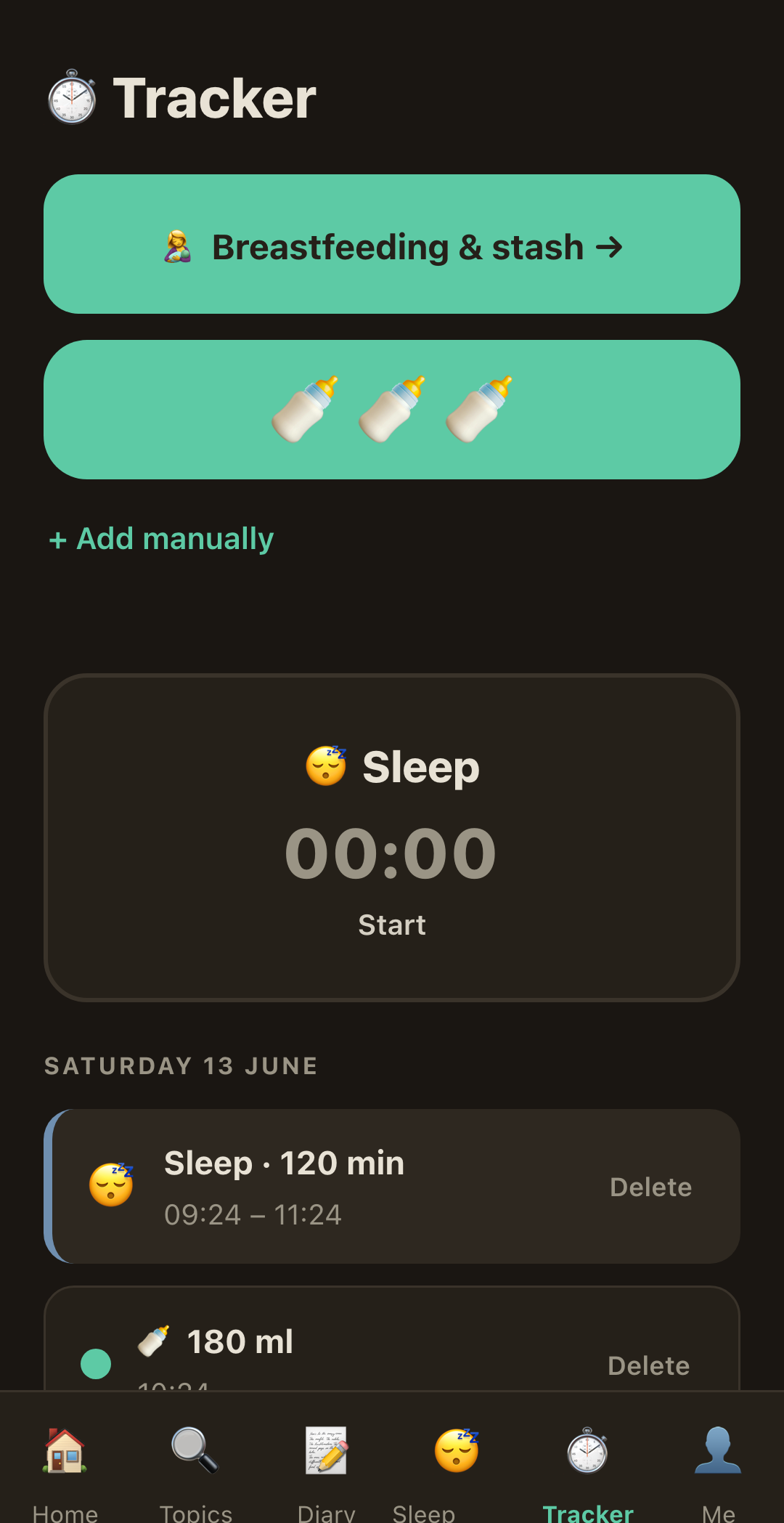
See patterns, not perfection
Track naps and nights in a clear timeline built around your child.
RaisingSmall brings sleep, feeding, milestones and everyday notes into one calm place, with practical support when the house is finally quiet and your mind is not.
Gumroad shows the final total before payment and processes the charge in USD.
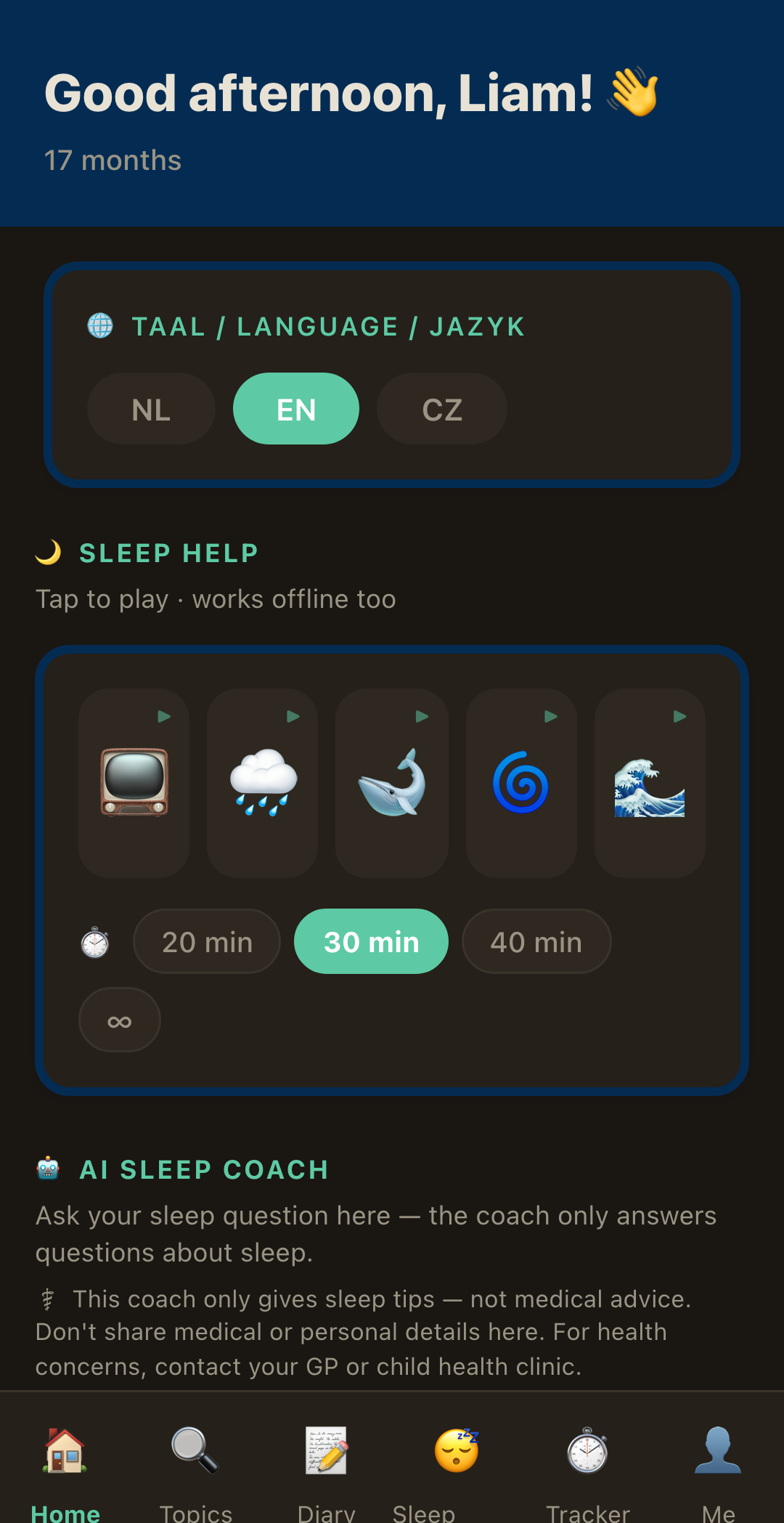
Log what matters, see your own child’s patterns and find the right tool without searching through five different apps.
Track naps and nights in a clear timeline built around your child.
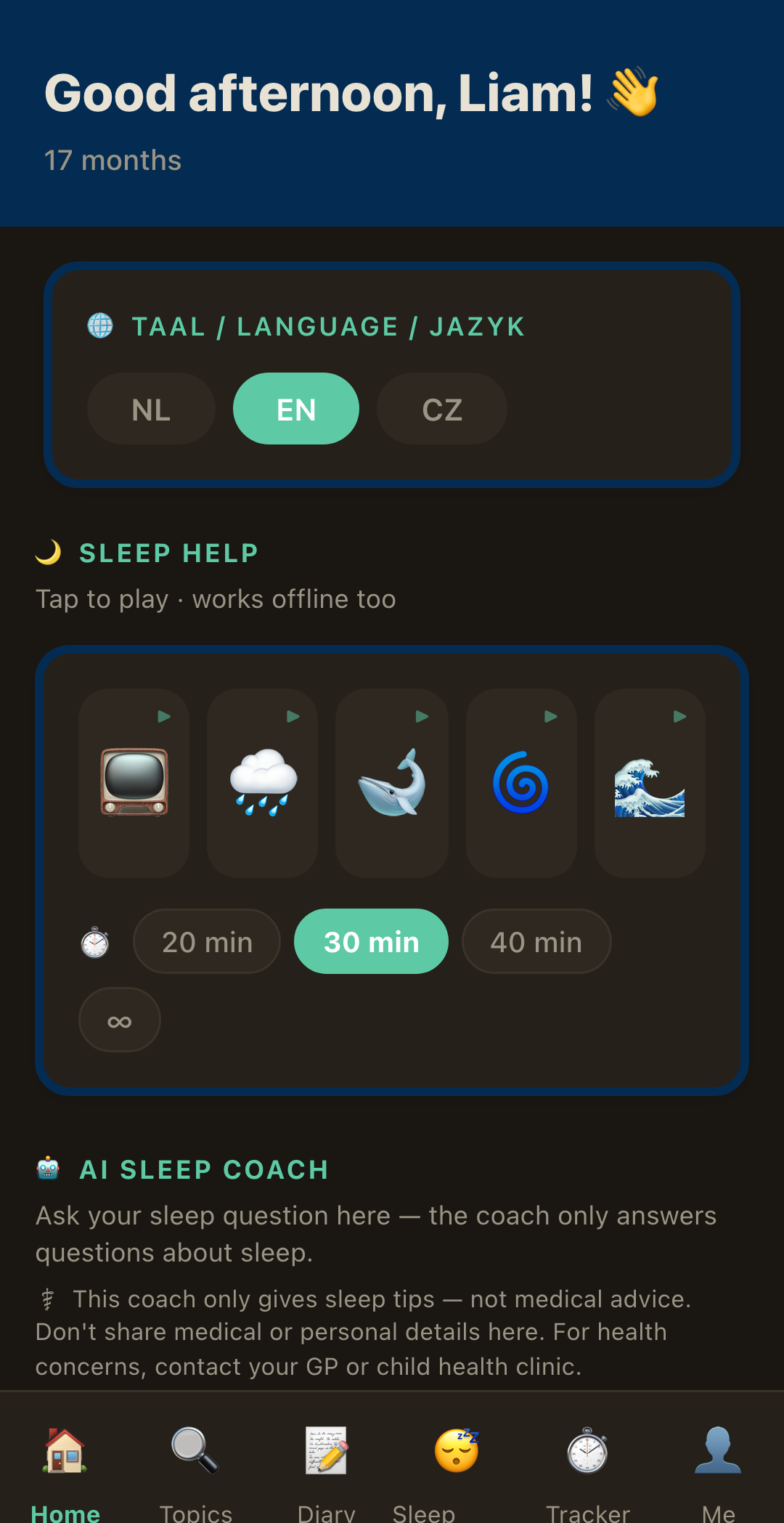
Sleep, feeds, milestones, notes and calming sounds in one home.
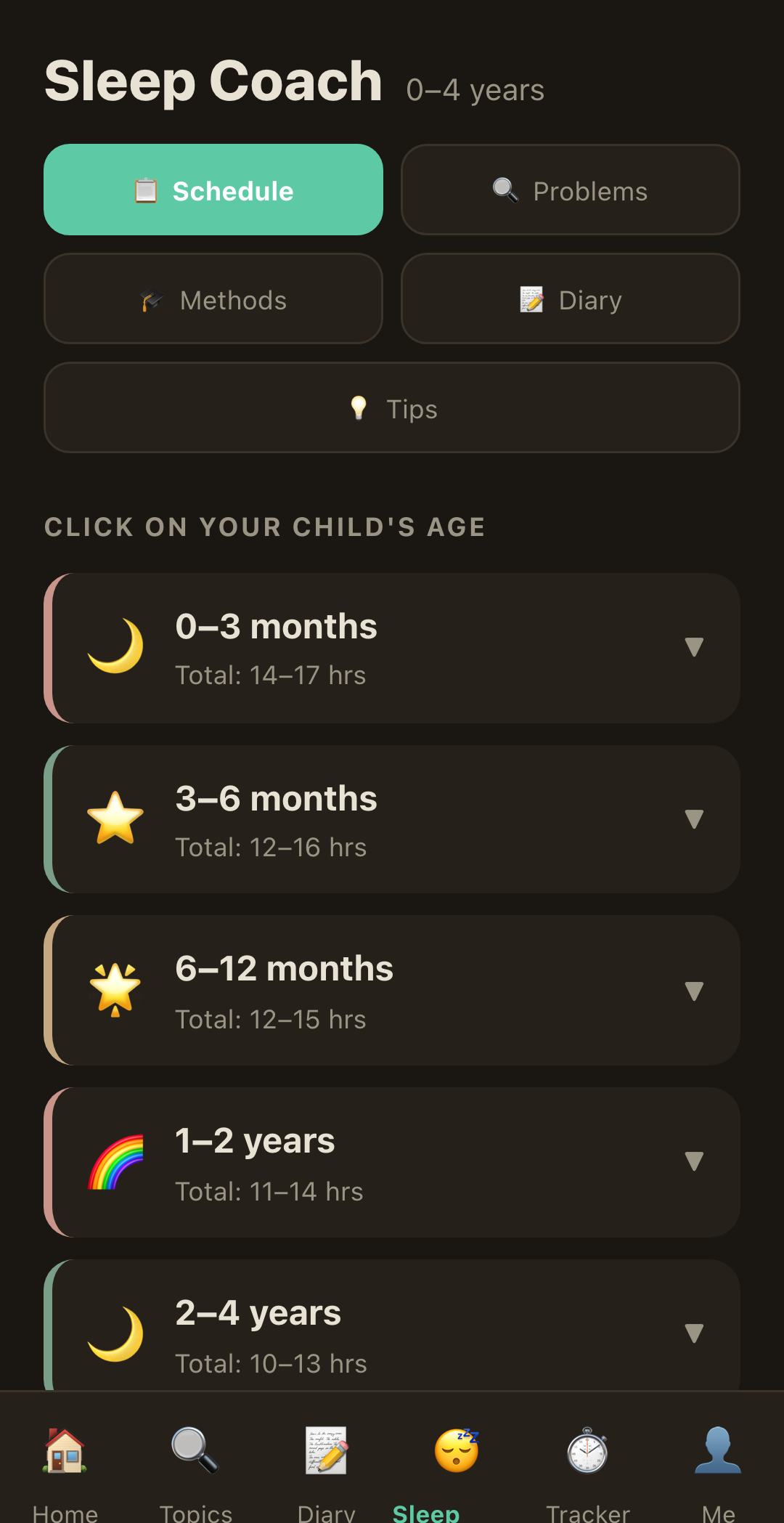
Get practical sleep guidance at 3am, without pretending every child is the same.
RaisingSmall connects four parts of family life that are usually scattered across separate apps, notes and late-night searches.
Track the day as it really happened, understand the timing and find practical guidance for your child’s current age.
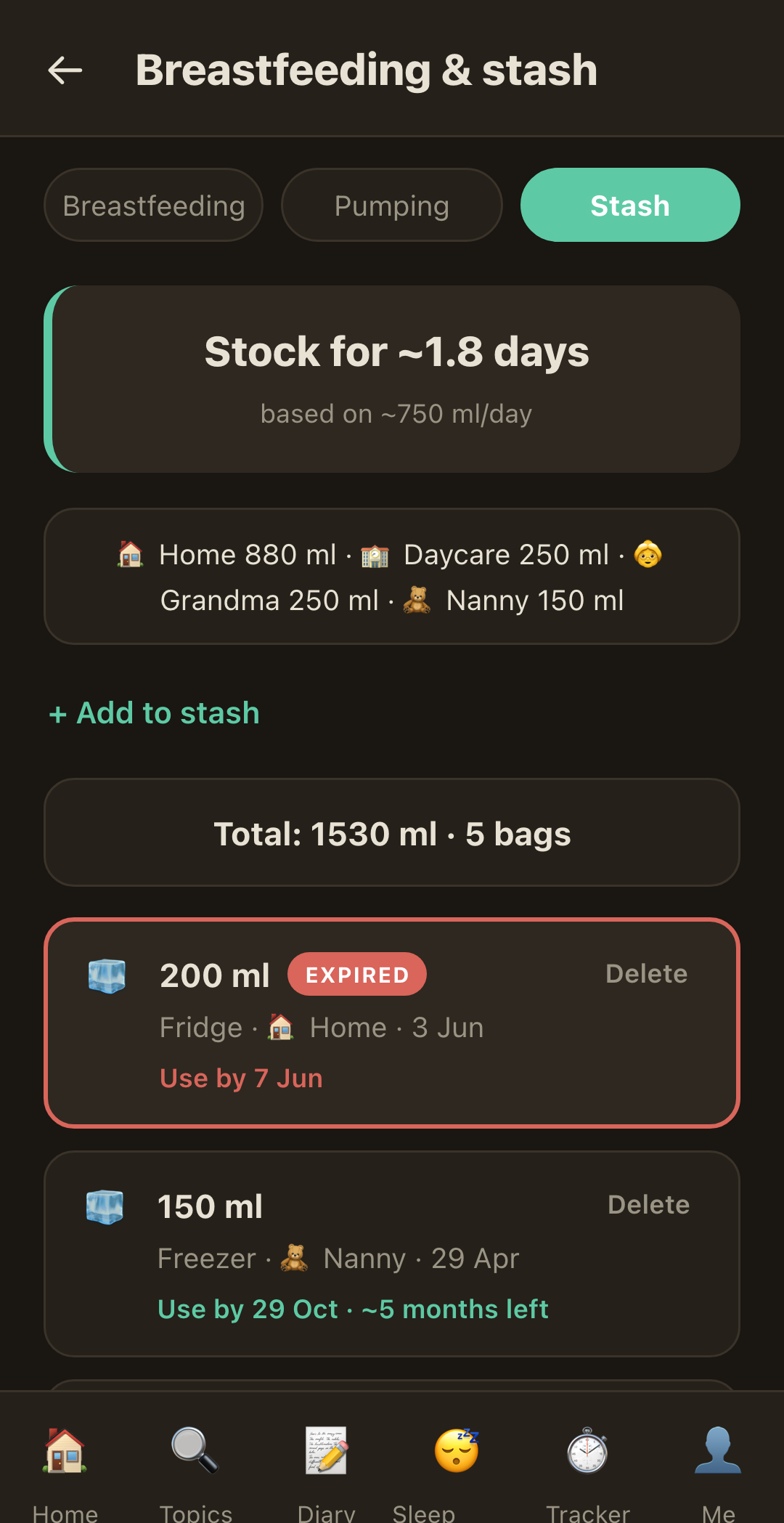
From a newborn feed to a carefully built milk stash, the practical details stay together and remain editable.
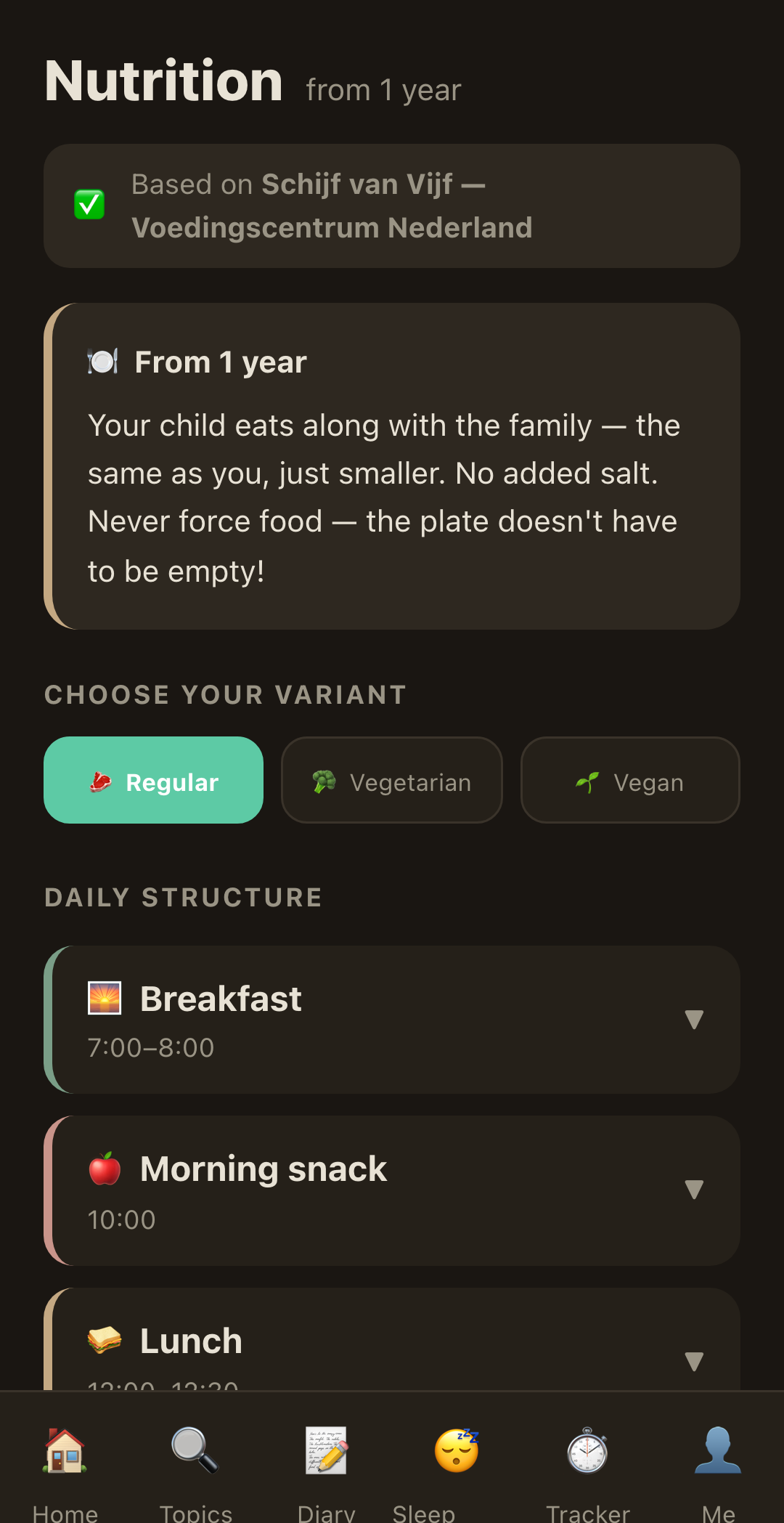
This is not one small solids checklist. It follows the transition from first tastes through practical nutrition after the first birthday.
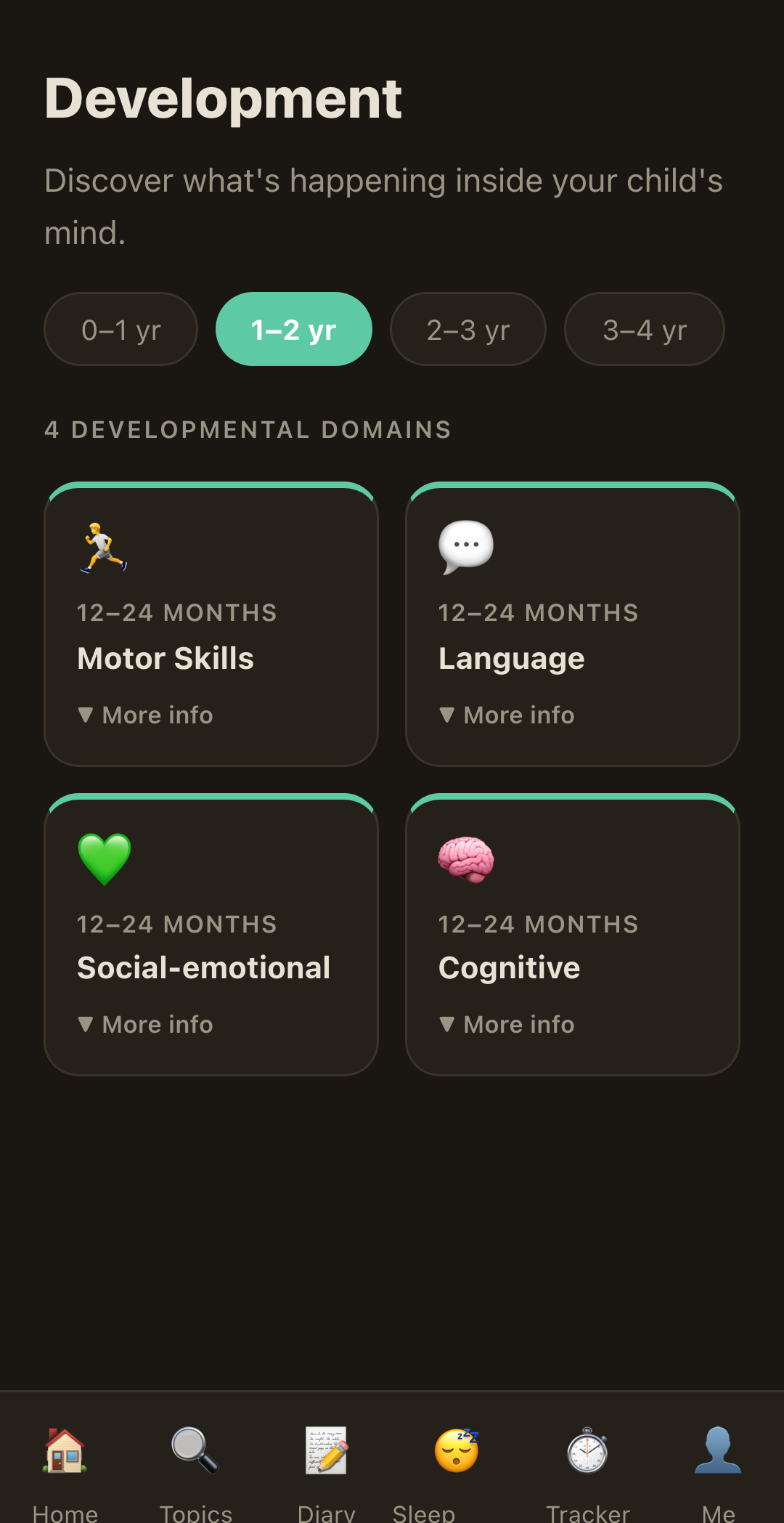
The app helps you look beyond today’s difficult moment and understand what may be happening around it.
And the everyday essentials: five offline calming sounds with 20, 30, 40-minute or continuous timers, English, Dutch and Czech, light and dark themes, manual control, no account and local-first family data.
RaisingSmall is a web app with no account, no password and no advertising profile.
Your trackers, diary and family records stay in local storage. RaisingSmall cannot browse them.
After the first load, trackers, milestones, diary and white noise continue to work offline.
Only a question you choose to send to the sleep coach leaves your device. Do not include health or identifying data.
Important: The AI sleep coach offers practical everyday guidance. It is not a medical service, does not diagnose or treat, and does not replace a doctor, sleep specialist or child health clinic. Read the privacy policy.
RaisingSmall works on iPhone, Android, tablets, Mac and Windows through a modern browser.
Complete the one-time payment through Gumroad. The final price and local tax are shown before payment.
Gumroad sends the key after purchase. Open RaisingSmall and use it for the first activation, no account needed.
Open it like a regular full-screen app with its own icon. Your key remains stored on that device.
📱 iPhone, Safari: tap the Share icon at the bottom, a square with an up arrow, then "Add to Home Screen" and Add.
🤖 Android, Chrome: tap ⋮ at the top right, then "Add to Home screen" or "Install app".
The complete app in English, Dutch and Czech. No monthly fee. Future app updates included.
Buy RaisingSmall securelyGumroad shows the final amount before payment; the charge is processed in USD.
Secure payment and digital delivery via Gumroad · 7-day money-back guarantee
From birth to four years. It covers sleep, milk feeding, first foods, nutrition after age one, development, behaviour and everyday patterns.
Phones, tablets and computers, including iPhone, Android, Mac and Windows. Open the app in a modern browser and add it to your home screen.
After the first load, trackers, diary, milestones and calming sounds work offline. The AI sleep coach needs an internet connection.
The coach is available whenever you need it, with a generous limit of up to 40 messages per day.
Almost all app data stays in local storage on your device. Only questions you choose to send to the AI coach leave the device to generate a reply.
No. It is a practical helper for everyday sleep questions, not a medical service. It does not diagnose or treat.
No. You pay once and receive permanent access, with no monthly fee.
Payments and digital delivery are handled by Gumroad, Inc. as the seller of record. Gumroad appears on the checkout and invoice.
Purchases are subject to Gumroad’s terms. RaisingSmall includes a 7-day money-back guarantee. Email raisingsmall.info@gmail.com within seven days; refunds are processed by Gumroad under the policy shown at checkout.
Purchase data is processed under Gumroad’s privacy policy. Data entered in RaisingSmall is handled under our own privacy policy.